
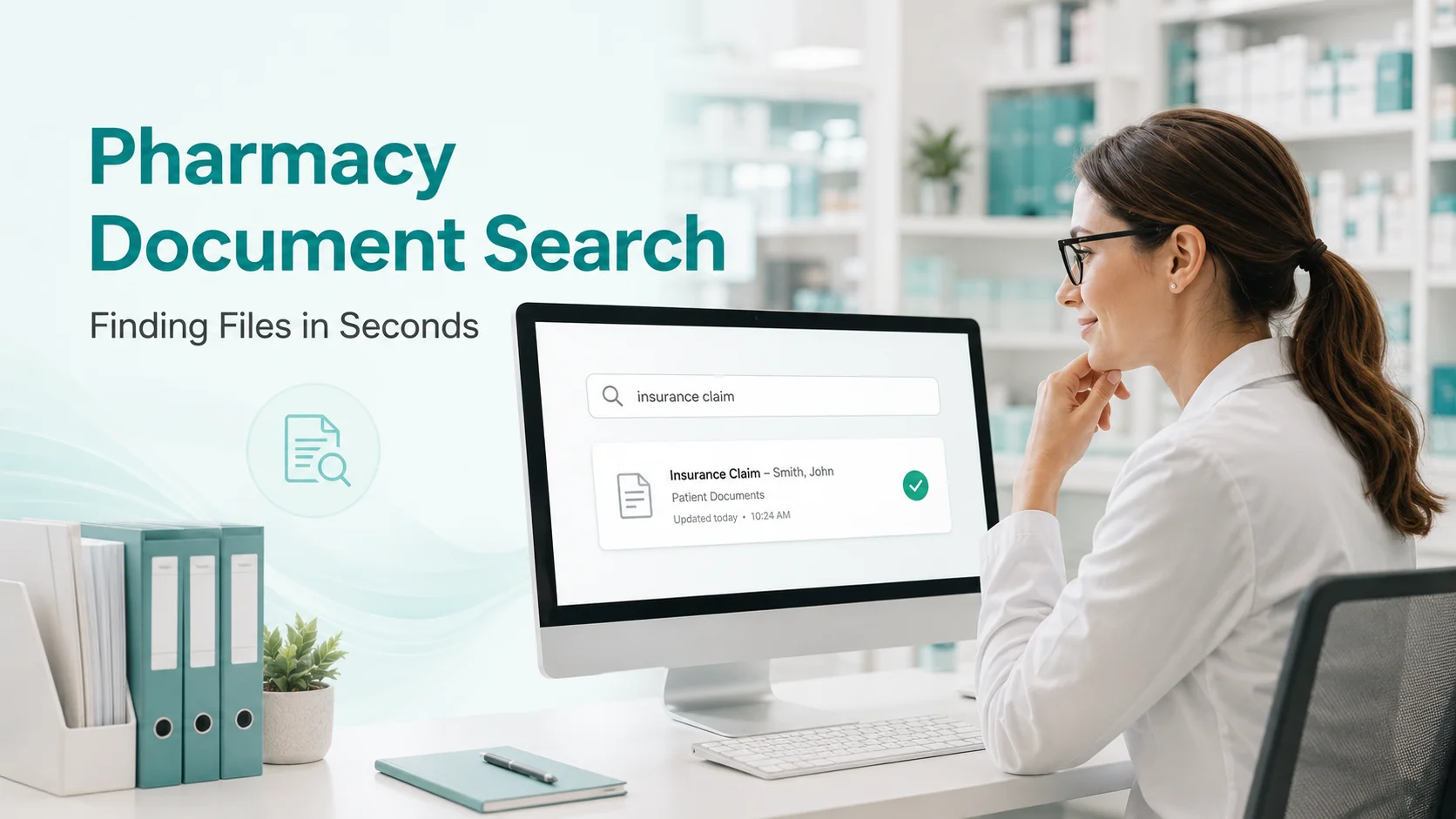
Pharmacy Document Search: Finding Files in Seconds
Stop wasting time searching for documents. Learn strategies for organising pharmacy documentation so any file is findable in seconds, not minutes.
I need the consent form from Mrs Patterson consultation last month.
Search begins. Check the patient file. Check the consultation folder. Check the inbox. Check the desktop. Check the downloads folder. Check the shared drive. Ask colleague where they might have saved it.
Fifteen minutes later, you are still not certain you have found the right document.
This scenario or variations of it plays out daily in pharmacies across the country. Documents exist but cannot be found. Time evaporates into searching. And when you need something urgently, the search becomes frantic.
Why Document Retrieval Fails
Volume Overwhelm
Modern pharmacies generate thousands of documents annually including patient records, consultation notes, prescriptions, staff certificates, training records, policies and procedures, meeting minutes, correspondence, audit reports, and incident records.
Without systematic organisation, volume defeats retrieval.
Inconsistent Filing
Different people file differently with different folder structures, different naming conventions, different locations, and different understanding of what goes where.
Inconsistency means nobody knows where everything is.
Naming Chaos
Unhelpful file names prevent finding. Names like Document1.pdf, Scan_20250115.pdf, Final_version_FINAL.docx, and Training cert.jpg. Names that made sense when saving are meaningless when searching.
Location Proliferation
Documents scatter across locations including personal computer desktops, shared drives, email attachments, cloud storage, paper files, and multiple software systems.
More locations mean more places to search.
No Search Capability
Paper documents cannot be searched. Even digital documents require knowing which system contains them, having appropriate access, using effective search terms, and searching content not just file names.
Limited search capability extends retrieval time.
The Cost of Poor Retrieval
Time Cost
Studies suggest knowledge workers spend 20 percent of their time looking for information. In pharmacy, that is 20 percent of 40 hours equalling 8 hours weekly. That is 8 hours times 52 weeks equalling 416 hours annually per staff member.
Even if pharmacy is half this, it is still enormous.
Quality Cost
Documents not found may be recreated unnecessarily, substituted with inferior alternatives, omitted from decisions they should inform, or missing from audit evidence.
Stress Cost
Searching is frustrating. Time pressure during search creates anxiety about finding important documents, embarrassment when documents cannot be produced, and distraction from other priorities.
Principles of Effective Document Management
Single Repository
All documents in one logical location means staff know where to look, documents are not duplicated, backup is straightforward, and access control is possible.
Single can mean one physical location or one logical system with clear structure.
Consistent Structure
Standard folder organisation everyone follows requires defined folder hierarchy, clear rules for what goes where, training on structure use, and regular tidying to maintain order.
Meaningful Naming
File names that enable finding require consistent naming convention, including key identifying information, avoiding meaningless names, and applying convention universally.
Example convention: Date Type Subject Version. Such as 2025-01-15_Consent_Patterson_v1.pdf
Searchable Content
Enable content search where possible with text-based documents over images, OCR for scanned documents, consistent terminology in documents, and tags and metadata where supported.
Controlled Access
Appropriate access for appropriate people means clinical documents accessible to clinical staff, HR documents restricted appropriately, audit trails for sensitive access, and read-only for completed records.
Building an Effective System
Step 1: Audit Current State
Understand your starting point. Where are documents currently stored? How are they organised? How long does retrieval typically take? What are the pain points?
Step 2: Design Structure
Create logical organisation with folders for Staff Compliance containing staff name subfolders with Certificates, Training, DBS, and Contracts. Create Policies and Procedures with Clinical, Operational, HR, and Archive. Create Patient Records organised by your PMR system. Create Governance with Audits, Incidents, Meetings, and Risk Assessments. Create Administration with Contracts, Insurance, and Correspondence.
Step 3: Establish Naming Convention
Define and document standards. Components to include are Date in YYYY-MM-DD format for sorting, Document type, Subject or name, and Version if applicable.
Train all staff on convention.
Step 4: Migrate and Organise
Move documents to new structure with bulk migration where possible, rename to convention as you go, dispose of duplicates, and archive obsolete documents.
Step 5: Implement and Enforce
Make new system the standard by training all staff, removing access to old locations, checking compliance with new approach, and addressing deviations promptly.
Step 6: Maintain
Good organisation requires ongoing effort including regular tidying, new starter training, convention reminders, and periodic audit and improvement.
Technology for Document Management
Digital Storage
Cloud-based storage offers advantages including access from anywhere, automatic backup, version history, search capability, and access controls.
Options include general tools like SharePoint or Google Drive or purpose-built systems.
Purpose-Built Platforms
Pharmacy management platforms provide pre-defined structure for compliance documents, integrated search across all records, audit trails for document access, automated organisation and filing, and compliance-specific features.
Search Capabilities
Effective search requires full-text search of content not just names, filter by date type and author, advanced search operators, recent and frequent shortcuts, and consistent indexing.
Best Practices
For Daily Operations
Save documents to correct location immediately. Use naming convention every time. Avoid desktop and downloads as permanent storage. Delete or archive when no longer needed.
For New Documents
Consider where it will be filed before creating. Use templates with proper naming built in. Include metadata where supported. Save to final location not temporary.
For Retrieval
Search before asking colleagues. Use effective search terms. Check most likely locations first. Report retrieval difficulties for system improvement.
Find Anything in Seconds
The goal is any document findable in seconds by anyone with appropriate access. This is not unrealistic. It requires organisation, consistency, and appropriate tools.
RxSure organises compliance documents automatically. Staff records, certificates, and training documentation filed systematically with instant search capability.
Start your free trial and find documents faster.